Kwame Glover
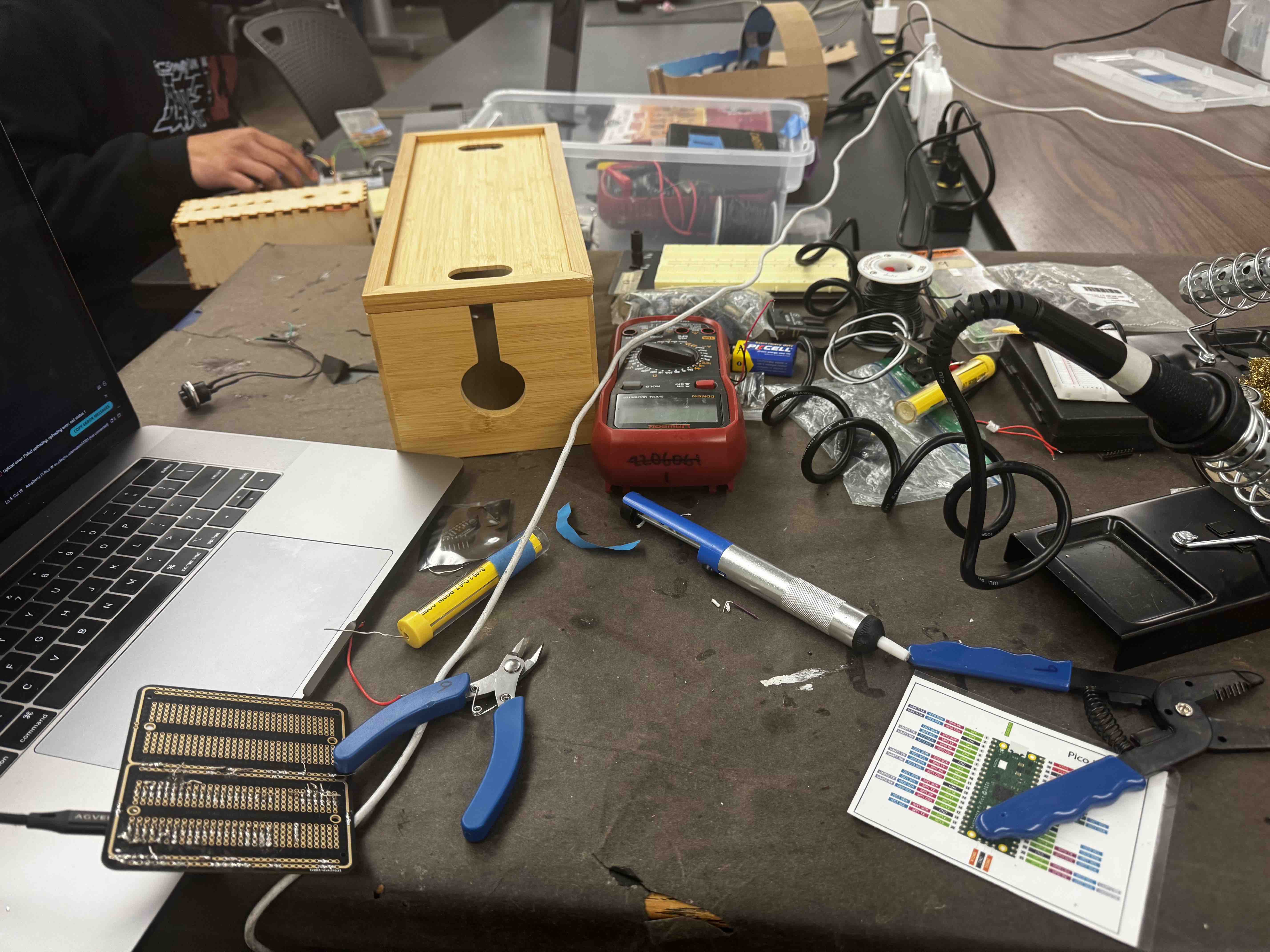
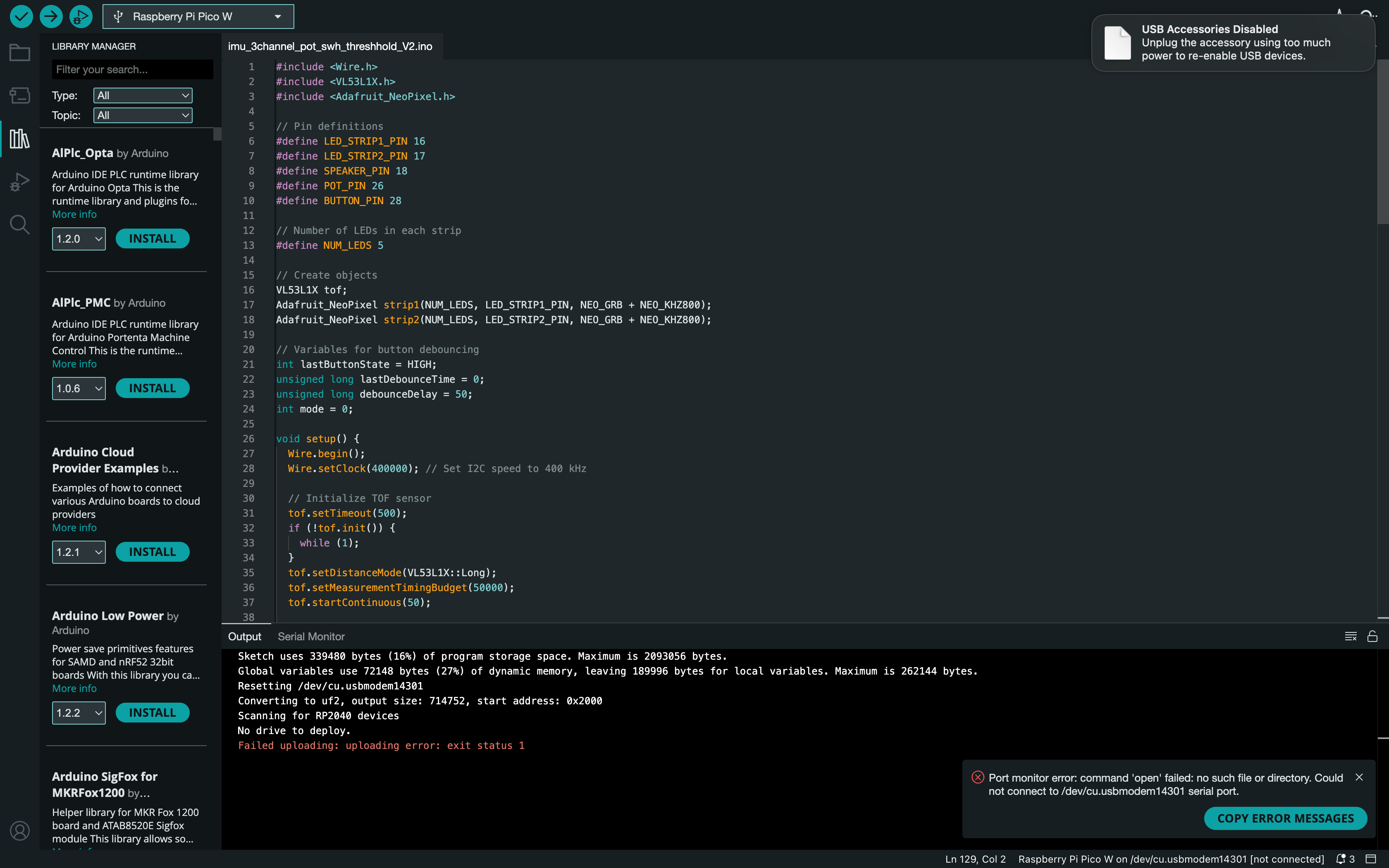
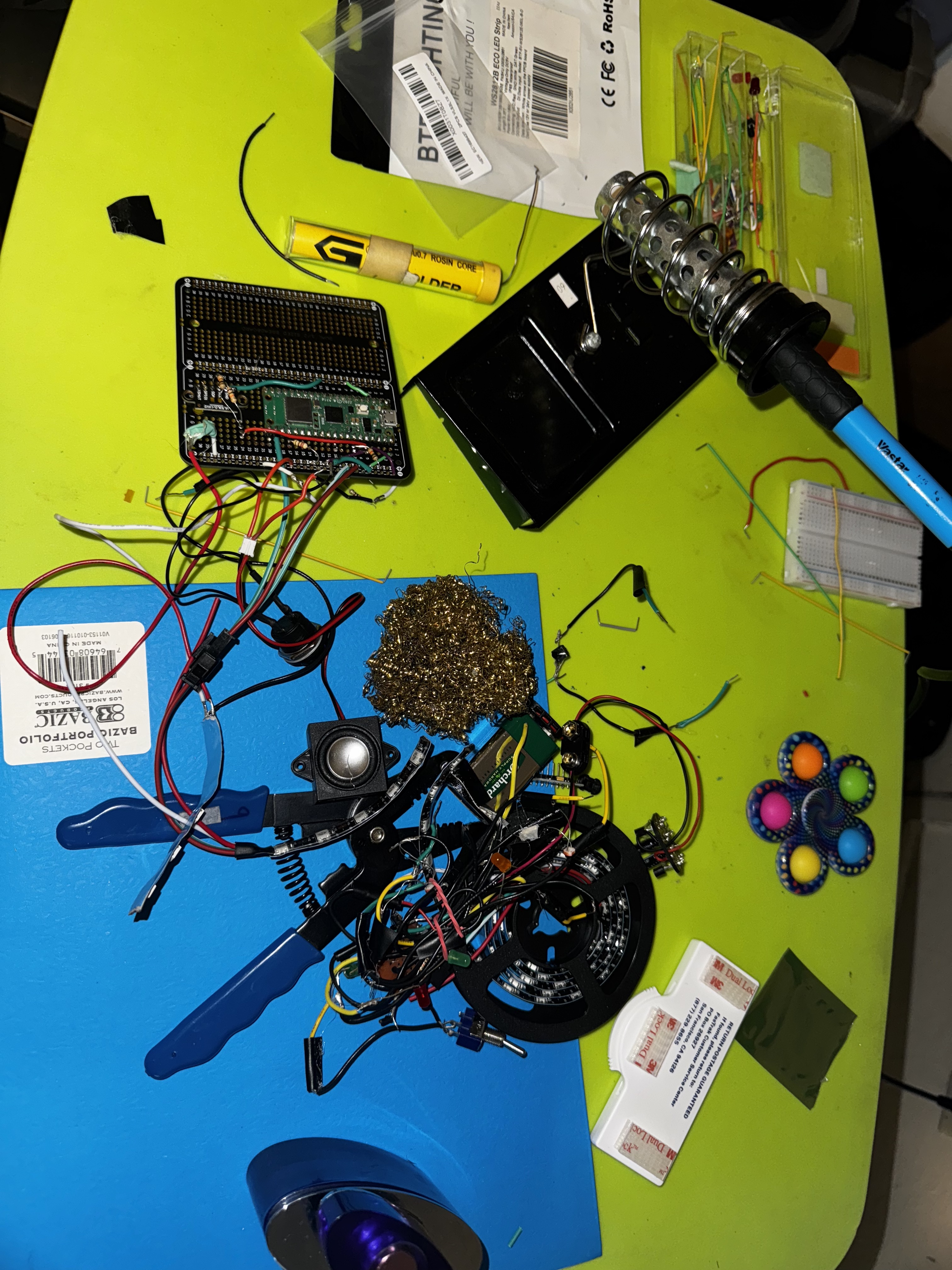
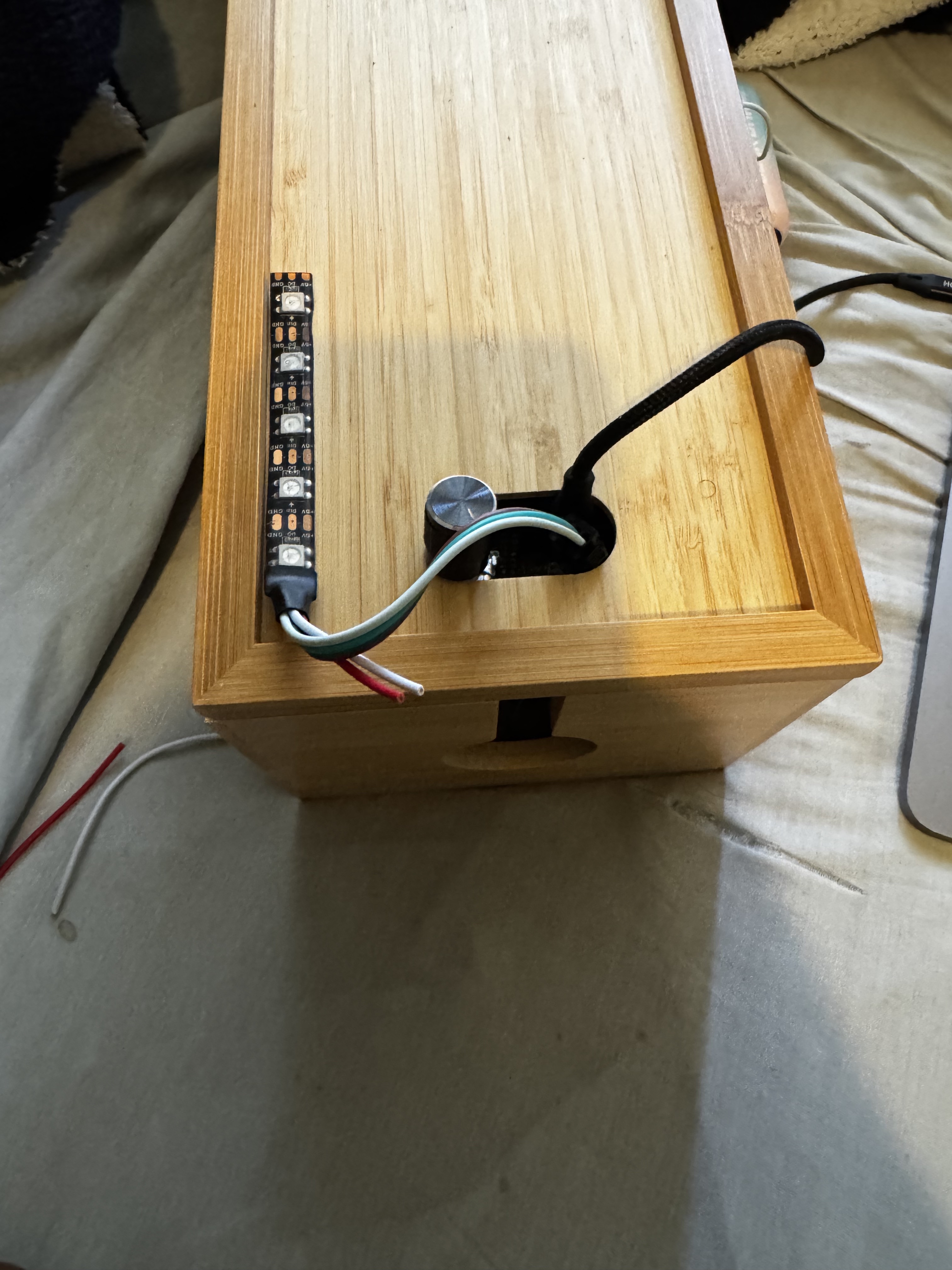
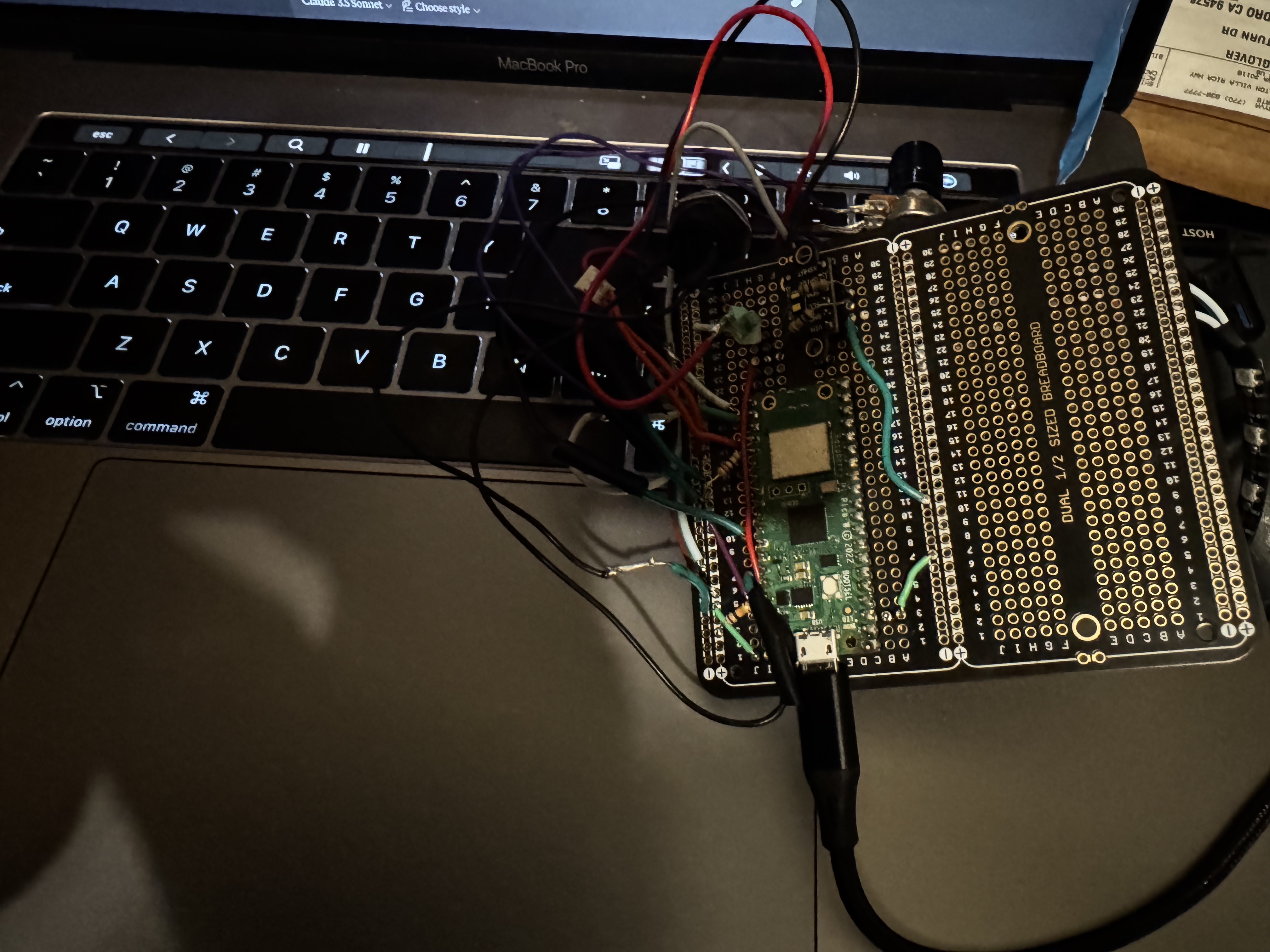
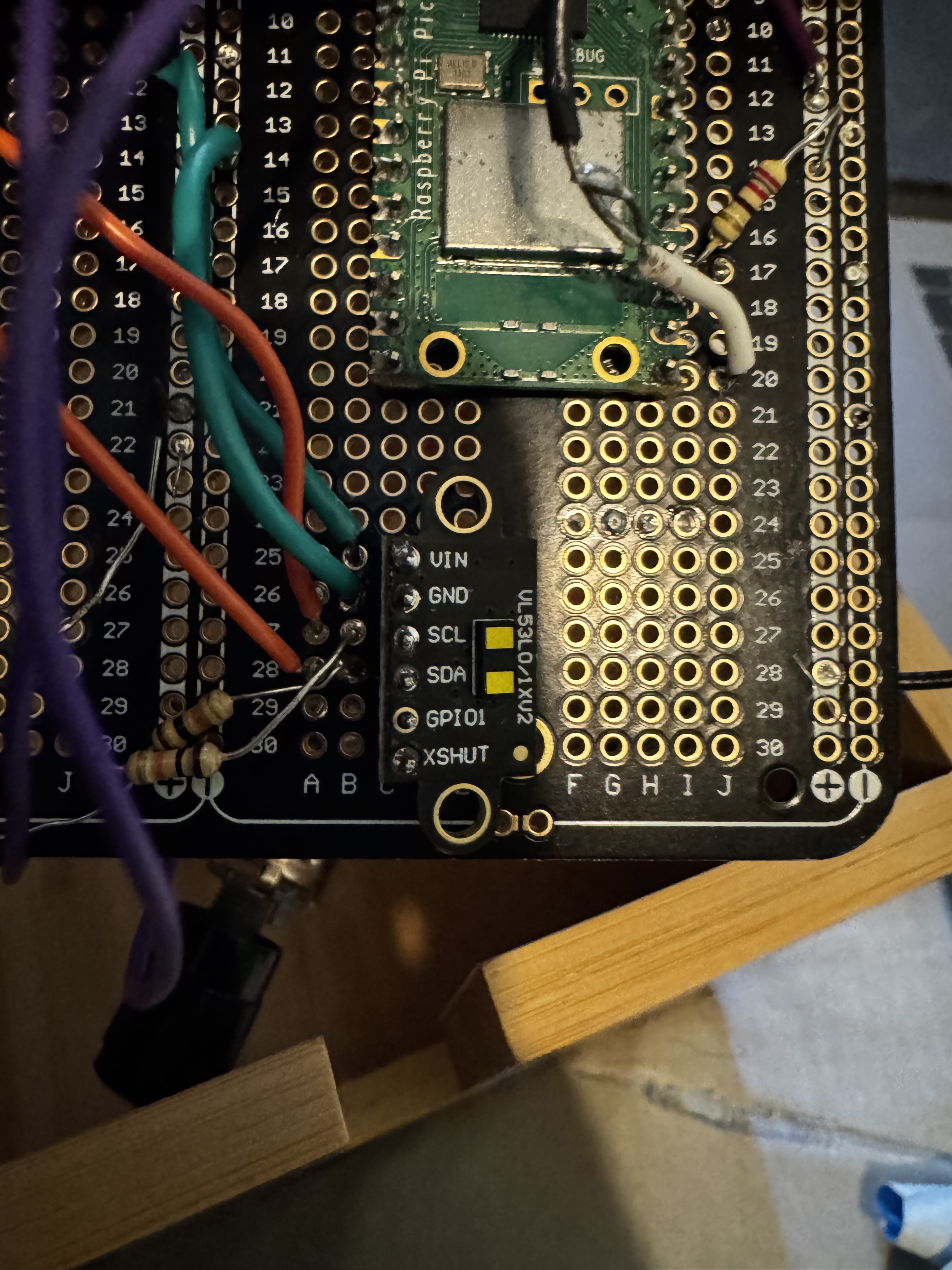
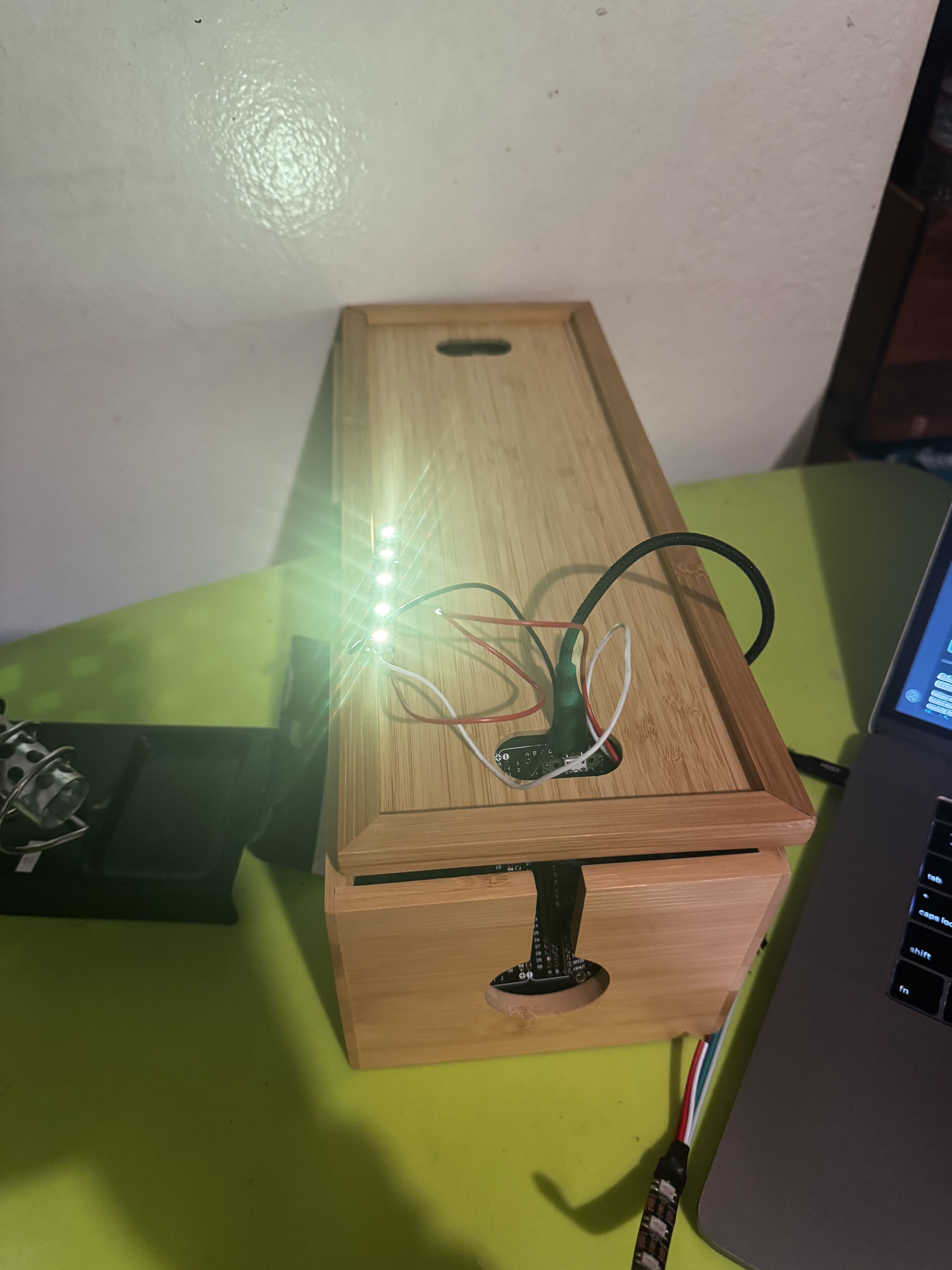
I attempted to use a VL53L0X and speaker output to allow users to create music using distance.
Original Project Proposal
Step 1: Behavior Brainstorming5 Tasks/Behaviors to explore:
1. I want to examine the way people tap their fingers when listening to music
2. Explore the way people adjust lighting throughout the day
3. I would like to analyze how different people respond to various sound patterns
4. Movement patterns while working at a desk
5. How people interact with ambient light changes
Step 2 & 3: Parts Selection with Evaluation
1. Serial-based Sensors (Input):
- MPU6050 Accelerometer/Gyroscope ($9.95 from Adafruit) - Interest: High (can detect precise motion and orientation) - Expense: Low - Complexity: Medium - Documentation: Excellent
- VL53L1X Time of Flight Distance Sensor ($19.95 from Adafruit) - Interest: High (accurate distance measurement) - Expense: Medium - Complexity: Medium - Documentation: Good
2. Serial-based Outputs:
- NeoPixel LED Strip ($19.95 from Adafruit) - Interest: High (versatile lighting effects) - Expense: Medium - Complexity: Low - Documentation: Excellent
- DFPlayer Mini MP3 Player ($9.95 from SparkFun) - Interest: High (audio feedback) - Expense: Low - Complexity: Medium - Documentation: Good
3. Analog Input Sensor:
- Sound Sensor/Microphone ($6.95 from SparkFun) - Interest: High (detect environmental sounds) - Expense: Low - Complexity: Low - Documentation: Good
4. Interesting Additional Gadgets:
- Vibration Motor ($2.95 from Adafruit) - Interest: High (haptic feedback) - Expense: Low - Complexity: Low - Documentation: Good
- Servo Motor ($12.95 from SparkFun) - Interest: High (controlled movement) - Expense: Low - Complexity: Medium - Documentation: Excellent
Project Idea: "Musical Motion Interpreter"Using Configuration Option
1:Components:- MPU6050 for motion sensing
- NeoPixel LED strip for visual feedback
- DFPlayer Mini for audio output- Sound sensor for ambient noise detection
- Vibration motor for haptic feedback
I want my final project to detect motion patterns (like conducting or finger tapping) using the MPU6050. The device will respond to both intentional gestures and ambient environment which makes an interactive loop between user movement and audiovisual feedback